
What Are Shaders in Game Development? A Comprehensive Guide
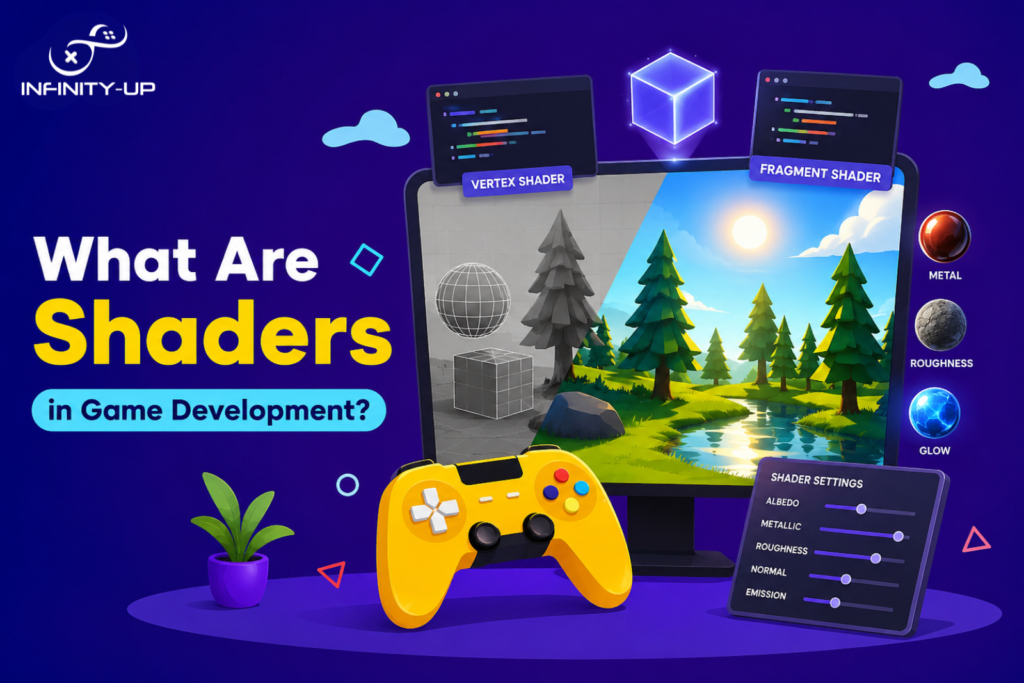
If you have ever wondered why water looks so realistic in modern games, or how fire seems to dance and flicker just right, shaders are the answer. They were one of the most powerful tools in a game developer’s toolkit, yet most players never even know they exist. In this guide, we will break down everything you need to know about shaders in a way that actually makes sense, whether you were just getting started or want to level up your graphics knowledge.
What Is a Shader?
Shader is a small program which executes on the GPU and tells it how to draw items on-screen; in essence, it is the artist responsible for drawing each and every pixel. It controls colors, lighting, shadow effects, reflection and most of the visual properties seen within a game. In contrast to ordinary programs which execute on the CPU, shaders are optimized to perform computations in parallel, thus enabling the creation of real-time graphics.
Main Types of Shaders in Game Development
Understanding the shaders separately helps you see how they all fit together to create the final image on your screen.
Vertex Shaders
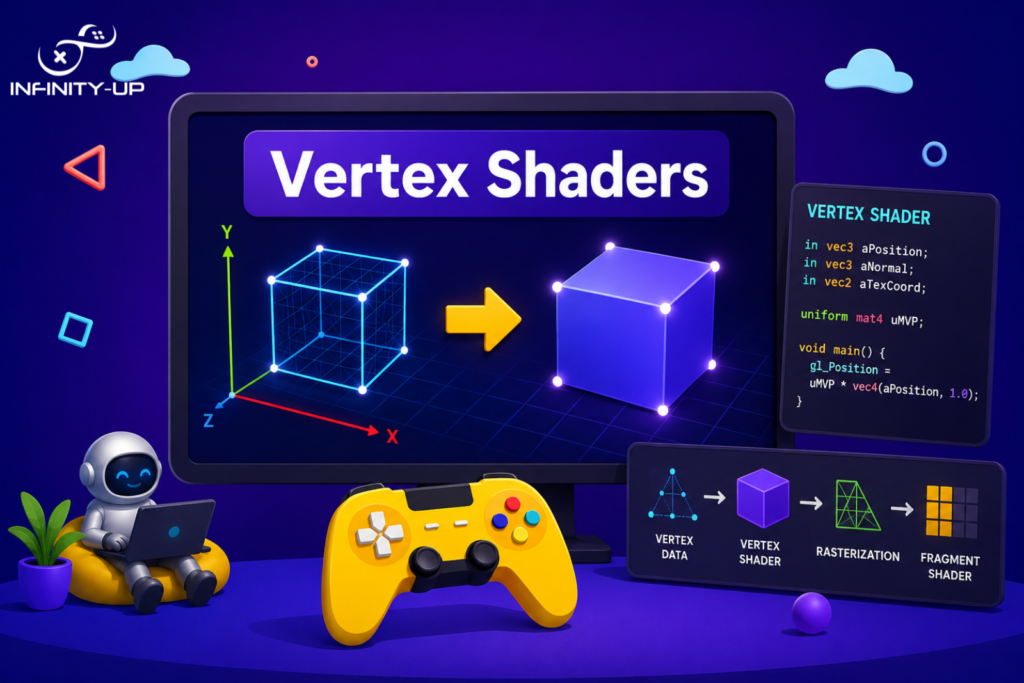
Vertex shaders process every 3D point (vertex) in a scene and determine its final position on screen. They were the first step in transforming raw geometry into something visible.
Pixel (Fragment) Shaders
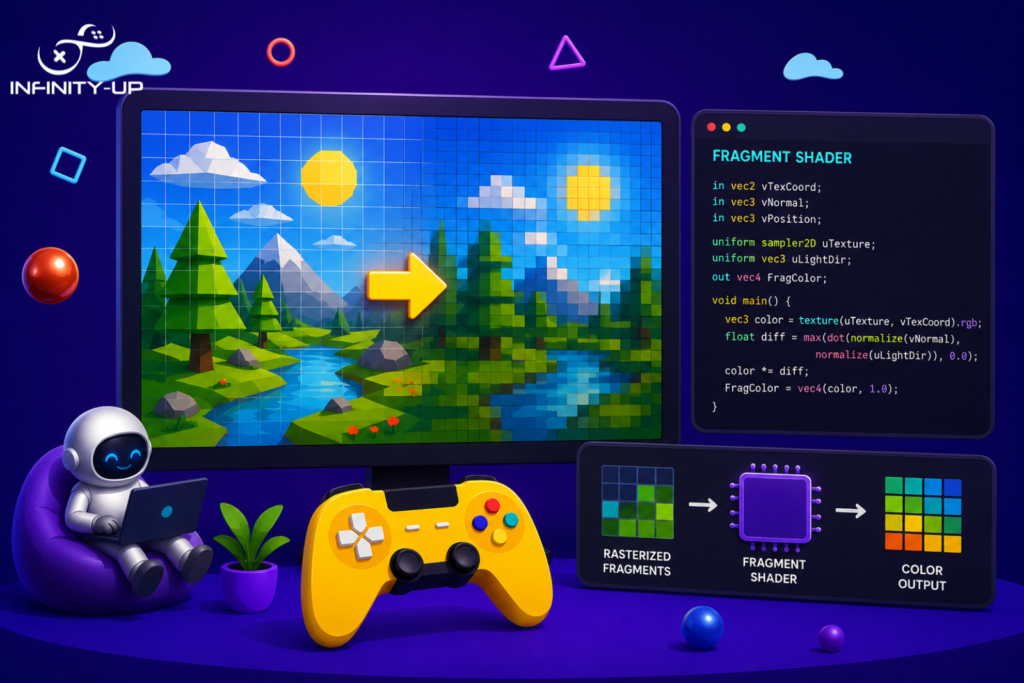
Pixel shaders, also called fragment shaders, decide the final color of every pixel rendered on screen. They were responsible for lighting, textures and most visual effects you actually notice.
Geometry Shaders
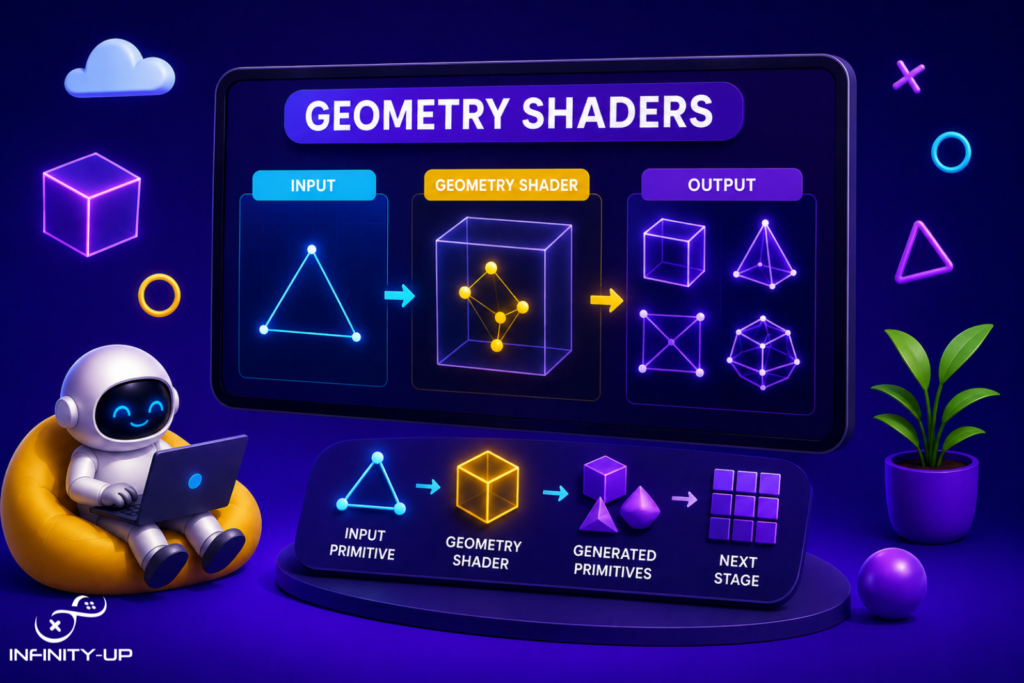
Geometry shaders sit between vertex and pixel shaders and can generate new geometry on the fly. They were useful for effects like particle trails, shadow volumes and fur simulation.
Compute Shaders
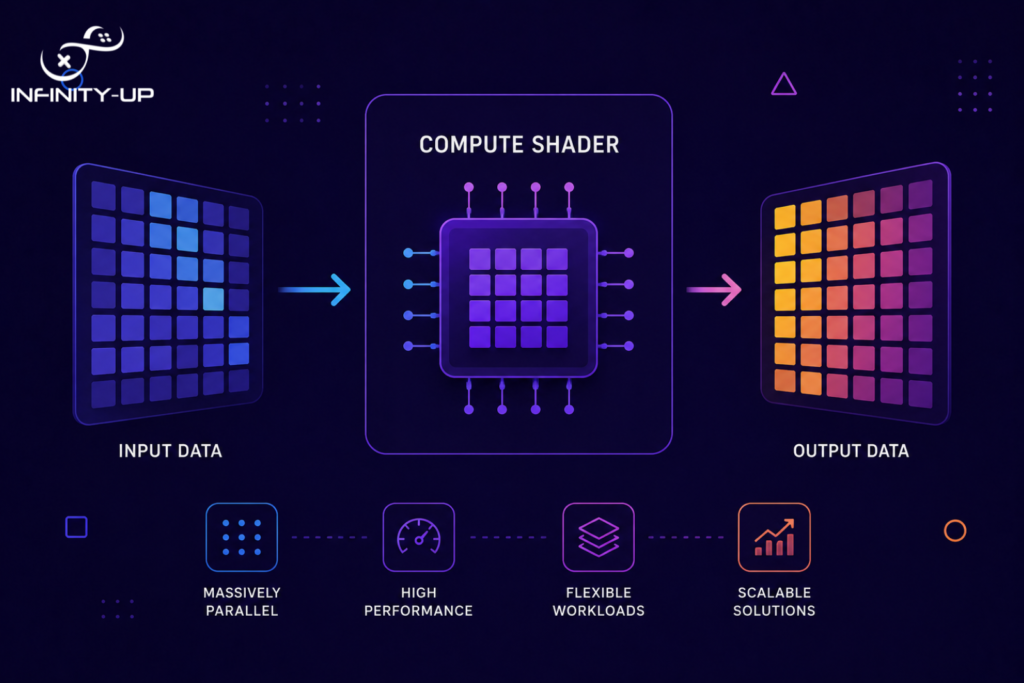
Compute shaders don’t render visuals directly, they handle general-purpose GPU calculations. They were widely used for physics simulations, particle systems and post-processing effects.
Mesh Shaders
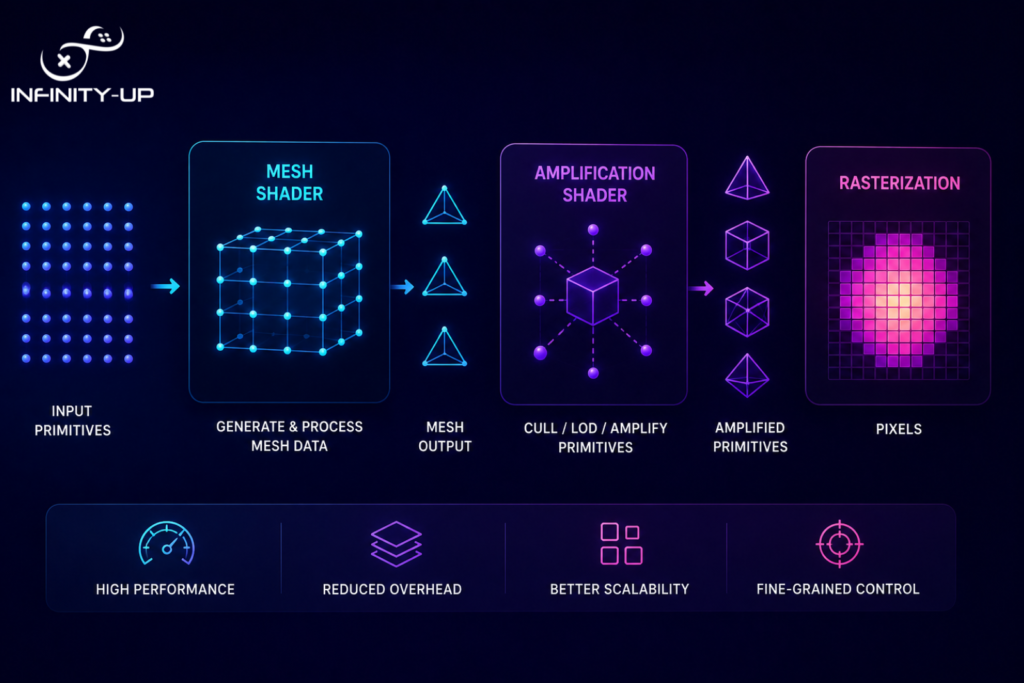
Mesh shaders are a newer type that replaces the traditional vertex pipeline with a more flexible, programmable model. They allow developers to handle complex geometry much more efficiently on modern hardware.
Shader Programming Languages
Different platforms and engines use different shader languages, but they all serve the same purpose, giving developers control over the GPU.
Language | Platform | Difficulty | Usage |
HLSL | DirectX | Medium | Unreal, Unity |
GLSL | OpenGL | Medium | Cross-platform |
Cg | Legacy | Low | Older engines |
Metal | Apple | Medium | iOS/macOS |
WGSL | WebGPU | Medium | Browser games |
HLSL and GLSL are the most widely used today. If you’re targeting PC or console games, HLSL is the practical starting point. For cross-platform or web-based projects, GLSL or WGSL makes more sense. Cg is largely outdated and not recommended for new projects.
Shaders in Popular Game Engines
Today’s programmers rarely craft shaders manually, since the majority of existing gaming engines provide visual solutions to simplify the task considerably. Nevertheless, having fundamental knowledge in this sphere is definitely a huge advantage when customization is required.
Unity Shader Graph
In Unity Game Development, there is an option called Shader Graph, which allows creating shaders using graph editing without even coding.
Unreal Engine Material Editor
Unreal’s Material Editor works similarly, a node-based system where you define how surfaces react to light and environment. It’s deeply integrated with Unreal’s physically based rendering pipeline.
Shadertoy
Shadertoy is a browser-based platform where developers share and create shaders in real time using GLSL. It’s a fantastic learning resource and playground for experimenting with visual effects.
Common Shader Effects Used in Games
Every effect we see in contemporary games is created using shaders from the effects of water and fire to holograms and explosions. Shaders for water allow for the creation of realistic reflection effects and simulate the behavior of the waves on the surface, while fire shaders apply noise maps and color gradients to create realistic fire effects. Moreover, shaders can make things appear burned out one pixel at a time. Shaders allow for applying the Toon shading effect to make games look hand-drawn and cartoonish, while refractive shaders enable creating glass-like reflective surfaces and hologram shaders create sci-fi-like effects.
The Future of Shaders in Game Development
Shaders are advancing rapidly, and we will see revolutionary changes in future games that will be a result of their evolution. The new technologies make game development a totally new level of experience.
Ray Tracing Shaders
This type of shader is able to simulate actual behavior of light and generate incredibly realistic reflections and shadows. Although this process takes many computing resources, ray tracing shaders become increasingly available because of modern GPUs like those of NVIDIA RTX.
AI Shader Generation
Artificial intelligence technology is used by some programs to generate shader code faster and optimize its parameters. This makes the development process easier for small studios that lack large graphics teams.
Procedural Materials
Procedural materials are created not using manually created texture maps but generating surface properties with mathematical algorithms. It reduces the number of used resources and ensures that surfaces look sharp no matter how far you zoom in.
Real-Time Global Illumination
Global illumination shaders simulate realistic light interaction across surfaces, making scenes far more lifelike, a technology now driving next-generation AR/VR experiences.
Conclusion
Shaders are programs that control how objects, lighting and visual effects are rendered in video games. Behind every effect, whether the ripple of a body of water or the glow of a hologram, there’s always a shader driving it. Whether you want to write shaders yourself or simply understand what happens beneath the surface of your favorite engine, exploring shaders is one of the most rewarding experiences for any developer and if you’re looking to bring those visuals to life, working with an expert game development studio can make all the difference.
Ready to start your shader journey?
Let’s bring your game vision to life with expert Unity development. Our team specializes in creating visually impressive, high-performance Unity games tailored to your unique ideas. Whether you need advanced graphics programming, custom gameplay features, or complete game development services, we’ll help turn your concept into a successful game. Get in touch today
Frequently Asked Questions
Q1: What is the difference between a shader and a material?
A material is the surface definition of an object, its color, roughness and texture. A shader is the underlying program that tells the GPU how to actually render that material on screen.
Q2: shaders difficult to learn?
They have a learning curve, but they’re not out of reach for beginners. Visual tools like Unity’s Shader Graph make it possible to create complex effects without writing code right away.
Q3: Which shader language should beginners learn?
HLSL is the best starting point for most beginners, especially if you’re working with Unity or Unreal Engine. GLSL is a great second choice for cross-platform or web-based development.
Q4: Does Unity use HLSL?
Yes, Unity uses HLSL as its primary shader language. Even Shader Graph compiles down to HLSL behind the scenes when building for most platforms.
Q5: Can shaders improve game performance?
Yes, well-written shaders can significantly boost performance by offloading calculations to the GPU, reducing draw calls and replacing expensive CPU-side computations with efficient parallel processing on the graphics card.