


Want to make a video game but don’t know where to start? You can do it on a normal computer, with free tools and no experience. Most beginners quit because they start too big. Keep it small and finish it. This guide shows you how to make a video game for beginners, from the first idea to the day you publish.
You’ll learn how to pick a game engine, plan with a game design document, build a prototype, add art and sound and playtest your game. We also cover how to make a video game for free, how to use AI to speed things up, how much it costs, how long it takes and how hard it really is. Near the end, you’ll find short sections on game music, 3D characters, consoles and how to become a video game maker.
How to Make a Video Game in 8 Steps
Step 1: Pick a Tiny Game Idea
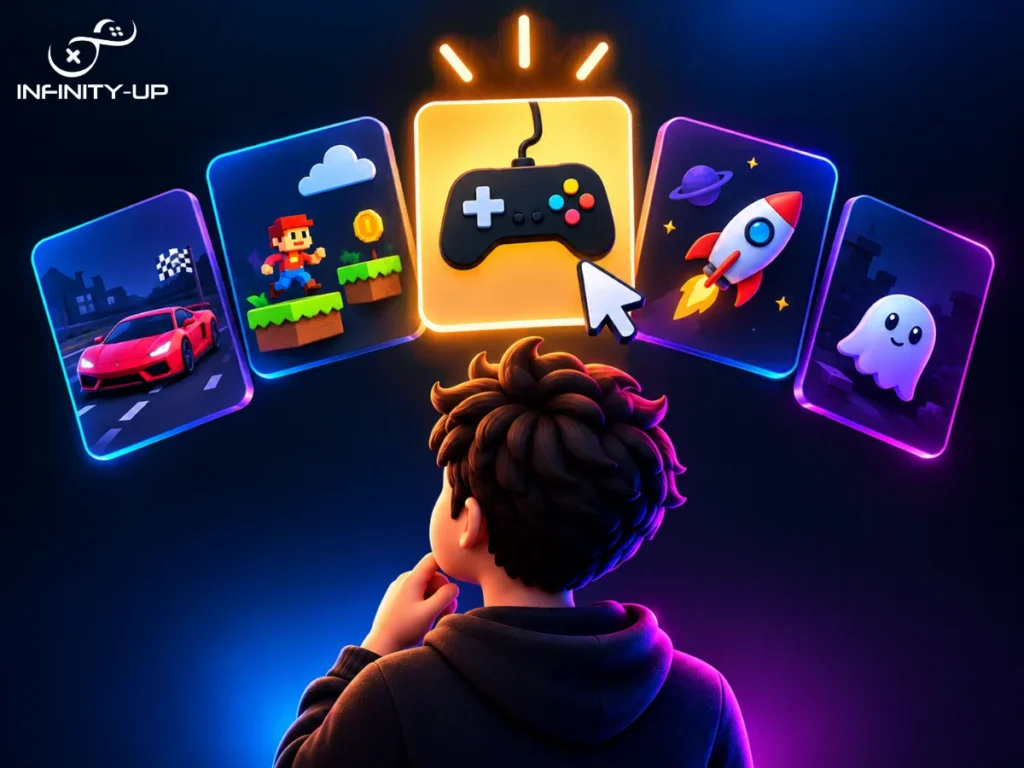
Your first game should be small enough to finish in a few weeks. A big idea like an open-world RPG takes a team of professionals years, so save it for later.
Good first games:
- A platformer, where you jump between platforms
- A puzzle game
- A runner, where the character keeps moving and you dodge things
- A simple top-down shooter
Next, work out your core loop. That’s the main thing the player does again and again. In a platformer it’s run, jump, collect. Here’s a quick test: if you can’t explain your game in one sentence, it’s too big. Also watch out for scope creep. That’s when you keep adding “just one more feature” and the project never ends. Write extra ideas down for a sequel and move on.
Step 2: Choose a Game Engine
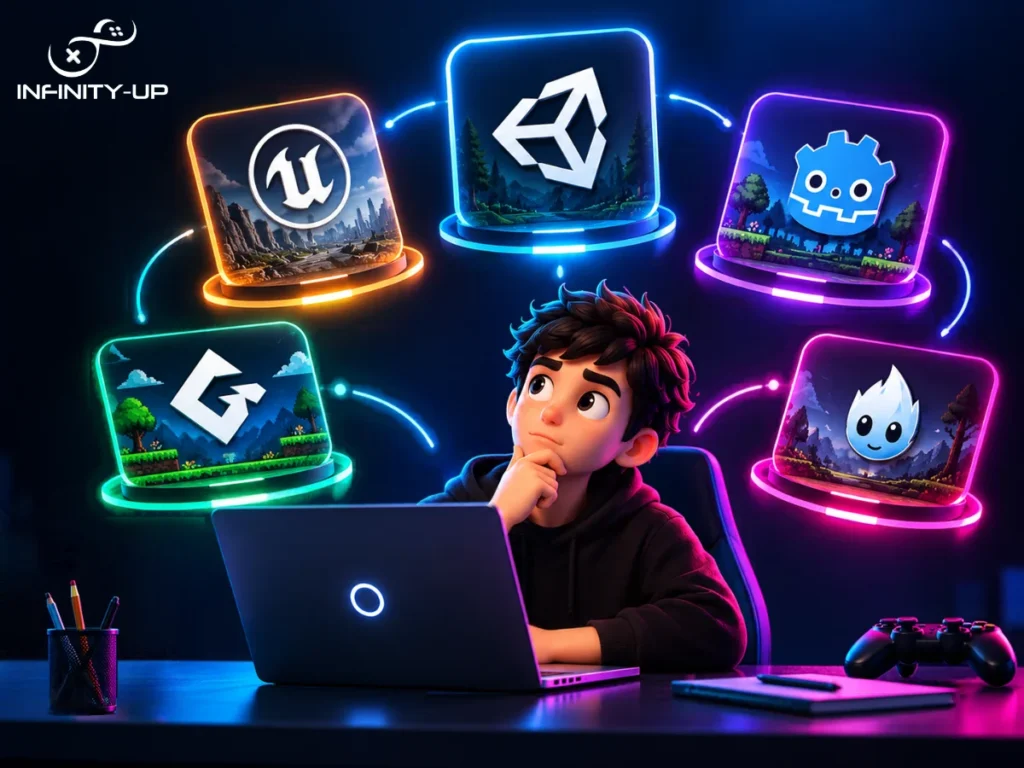
A game engine is the software you build the game in. It handles graphics, physics, sound and player input, so you don’t have to code all of that from zero. Here are the common choices:
- Godot: free and open source, great for 2D. It uses GDScript, which looks a lot like Python.
- Unity: works for 2D and 3D, uses C# and has a huge number of tutorials.
- Unreal Engine: best for high-end 3D. It uses C++ and Blueprints (visual scripting) and it’s harder to learn.
- GameMaker: built mainly for 2D and easy to start with. It has a free version for non-commercial use.
- Construct: a no-code tool where you build with menus and rules.
Don’t spend weeks comparing them. Pick one and stay with it for your whole first game.
Step 3: Learn the Basics

Open your engine and follow one beginner tutorial from start to finish. Build exactly what it shows, then change small things to see what happens. That’s how it sticks.
Every engine uses the same core ideas:
- Scenes or levels: where the game takes place
- Sprites or models: the 2D images or 3D objects
- Scripts: the code that tells things what to do
- Collisions: how objects know they touched each other
- Input: how the game reads the keyboard, mouse, or controller
Learn just enough to make the next piece work. You can fill the gaps later.
Step 4: Write a One-Page Game Design Document
A game design document (GDD) is your plan. For a small game, one page is enough. Include:
- The idea in one sentence
- The core loop
- The main mechanics (the rules and actions, like jump or shoot)
- The art style
- Your must-have features, plus a nice-to-have list you’ll skip if time runs out
When a new idea pops up halfway through, check it against this page before you add it.
Step 5: Build a Prototype
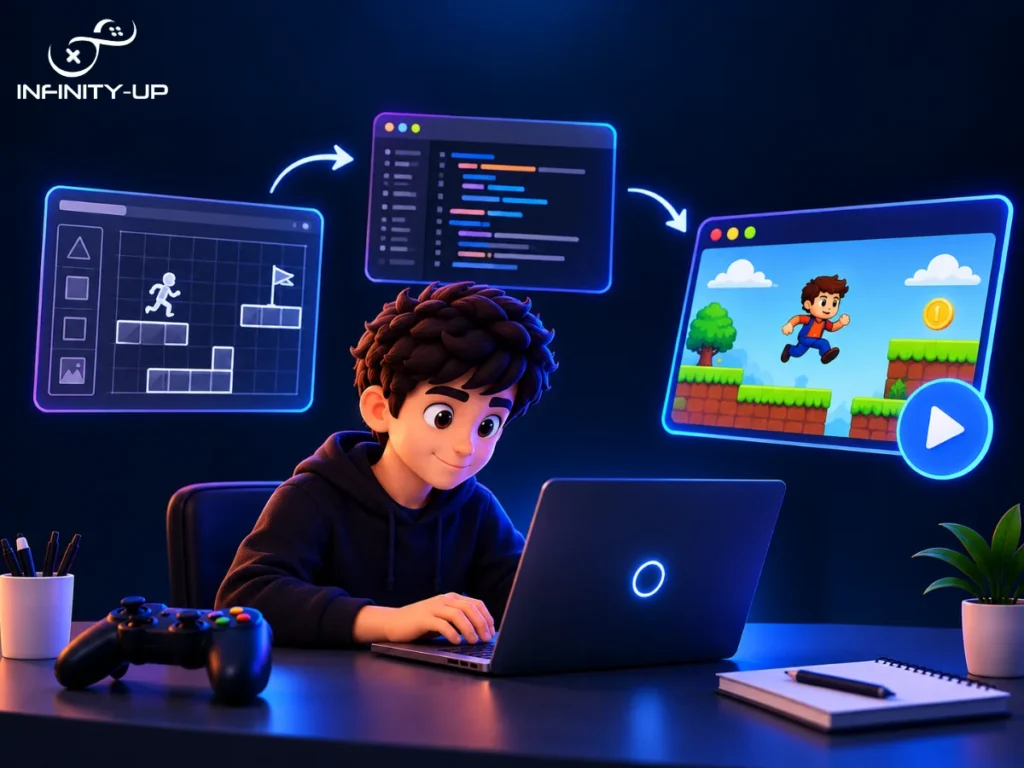
A prototype is the smallest playable version of your game. It can look ugly. Use plain squares and circles.
Build the movement first, then the main challenge, then a way to win or lose. Play it a lot. If it isn’t fun yet, change the mechanics before you touch the art. Nice graphics won’t save a boring game.
Step 6: Add Art, Music and Sound Effects
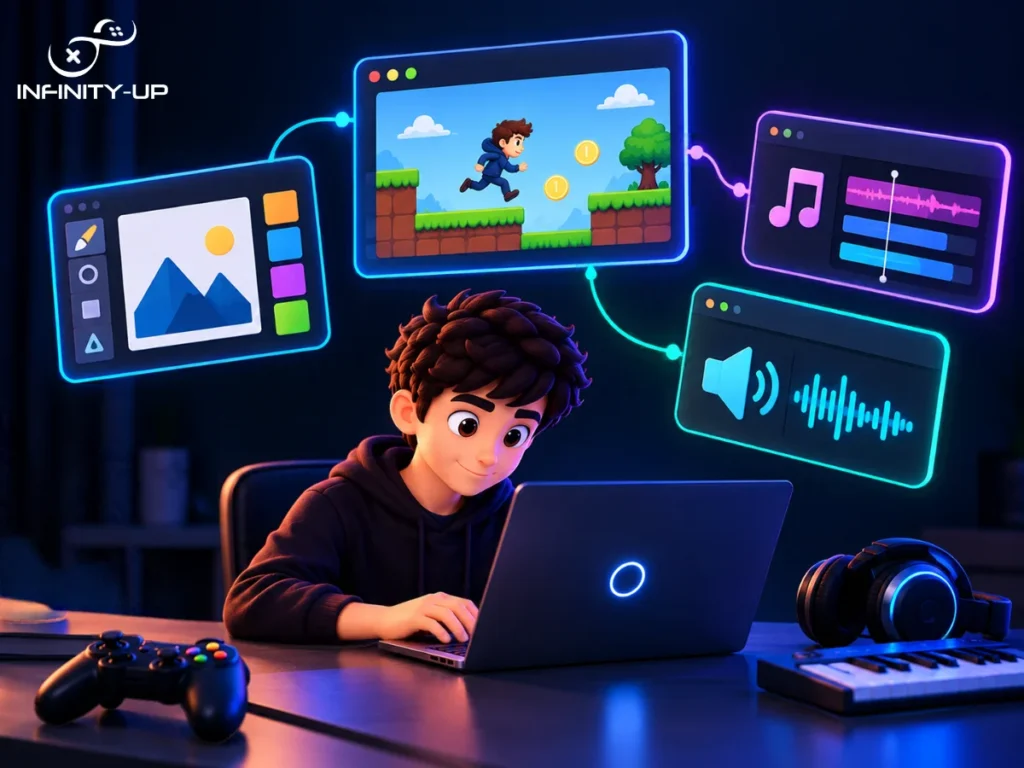
Now make it look and sound like a real game. These files are called assets. You have three options:
- Make them yourself
- Use free or low-cost packs from itch.io, OpenGameArt or your engine’s asset store
- Hire an artist or sound designer
Keep one art style all the way through, because mixing styles makes a game look messy. Don’t skip sound either. A jump sound or a coin ping makes a game feel alive. Check the license on every asset you download.
Step 7: Playtest and Fix Bugs
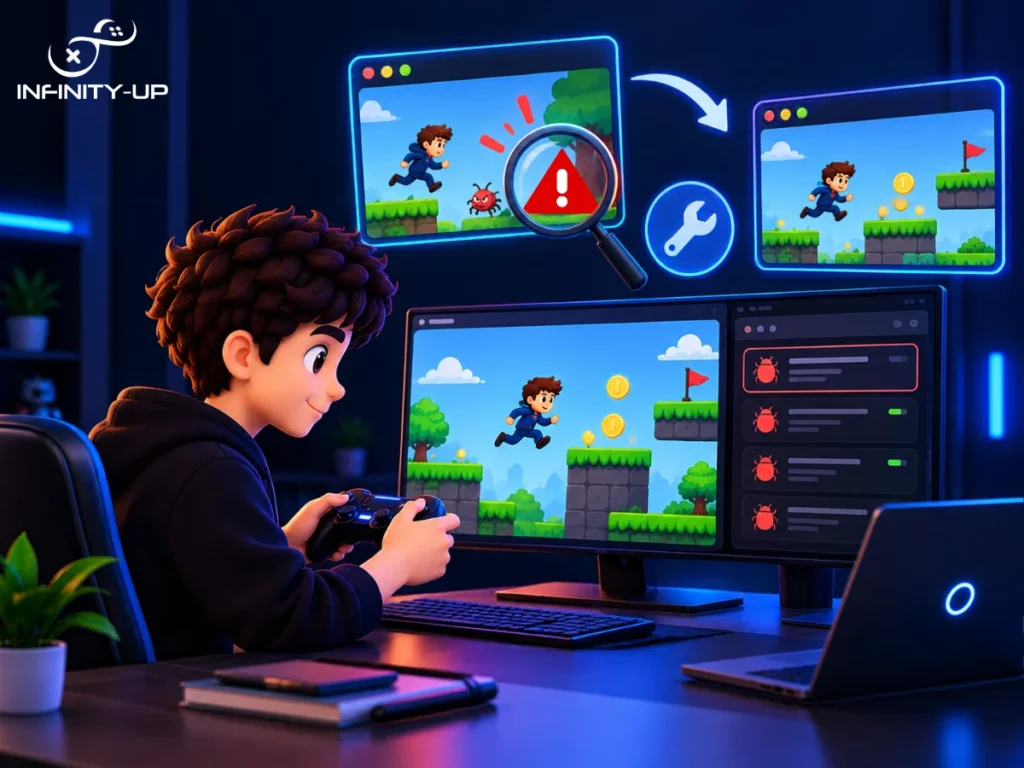
A bug is anything that doesn’t work the way it should. Play your game again and again. Then hand it to a friend and watch them play without helping.
Notice where they get stuck, confused or bored. Write each problem down, fix the worst ones first, and test again. Big studios have QA (quality assurance) teams for this. For now, that’s you and your friends.
Step 8: Publish Your Game
Export a build, which is a file other people can run. Then choose where to share it:
- itch.io: free and easy, good for first games
- Steam: the biggest PC store, with a one-time fee per game and more setup
- Google Play and the Apple App Store: for mobile games, Mobile has extra rules, like screen sizes, touch controls and store approval, so many developers get help from a mobile game development team.
- Your own website: fine for browser games
Add a few screenshots and a short trailer, then share the game in game dev communities. Ask for feedback and use it on your next project.
Your first game will be rough. That’s normal.
How to Make a Video Game for Free
Use Godot (or a free version of Unity, Unreal or GameMaker), Blender for 3D, Krita or Piskel for 2D art and itch.io to publish. The real cost is your time. Check the license on any free asset, since some can’t be used in a game you sell.
How to Make a Video Game Using AI
AI can speed up the work and lower your costs, but it doesn’t replace planning. Here is where it helps:
- Code: write small scripts and explain error messages
- Art: make concept art and placeholder sprites
- Audio: make rough music and sound effects
- Ideas: mechanics, levels and story text brainstorming
Test each and ask for one change at a time. Don’t ask for the entire game in one go. Check the license and terms on any AI made art or audio before selling your game. You still need to understand your own game, because you’re the one who’s going to fix it.
You may like to read: AI in Video Game Development
How Much Does It Cost to Make a Video Game?
- Solo with free tools: close to $0
- Solo with paid assets: a few hundred dollars
- Studio-made mobile game: often $10,000 and up
- AAA game: tens or hundreds of millions
What drives the cost:
- Team size and pay: people’s time is the biggest cost
- Scope: more levels, features and content cost more
- 2D or 3D: 3D needs models, animation and more testing
- Art, music, and voice acting: custom work costs more than asset packs
- Platforms: each extra platform adds work
- Marketing and store fees: stores take a share of your sales
Using AI for code, art and audio can cut the cost. It won’t remove it. You still pay in time, testing and polish.
How Long Does It Take to Make a Video Game?
- Tiny first game: a few weekends to 3 months
- Small indie or mobile game: 6 months to 2 years
- AAA game: 3 to 5 years or more
How Hard Is It to Make a Video Game?
It’s doable, but it’s not easy. A game mixes coding, art, design and sound and you don’t need to master all of them to make your first one.
What makes it hard:
- Finishing: starting is easy, finishing is the hard part
- Coding: bugs and error messages can be frustrating at first
- Scope: big ideas take far more time than you expect
- Many skills at once: you switch between design, art, sound and testing
What makes it easier:
- Start with a simple 2D game
- Follow beginner tutorials
- Use free assets
- Try a no-code or visual scripting tool
- Ask for help in game dev communities
Expect to get stuck sometimes. Every developer does and most problems have already been solved by someone online.
Game Music and Soundtrack
A game soundtrack has background music and sound effects (SFX). Both change how a game feels. A tense track makes a boss fight scarier and a simple coin sound makes collecting feel good.
To make music for a video game, build short loops in a free digital audio workstation (DAW) like LMMS, so the track repeats smoothly. Or use royalty-free music and read the license first, since some ask you to credit the artist. For sound effects, free tools like Audacity and jsfxr are enough for a first game.
Making a 3D Game Character
Making a 3D video game character follows the same steps most studios use:
- Concept: sketch the character, front and side view
- Modeling: build the shape in 3D software like Blender, which is free
- Texturing: paint the colors and details onto the model
- Rigging: add a digital skeleton so the character can move
- Animation: make the walk, run, jump and attack movements
- Export: save the character as an FBX or glTF file and bring it into your game engine
Start with a low-poly character, since it’s faster to make and easier to run. Rigging and animation take the most practice, so many beginners use ready-made animations at first.
Making a Game Console
People mean two different things when they ask this.
Making a game for a console: build the game in an engine like Unity or Unreal, then apply to the console maker’s developer program (PlayStation, Xbox or Nintendo Switch). If you’re approved, you get the tools to test and release it. Most beginners start on PC first.
Building a video game console or system: this is hardware work, with circuit boards and electronics. Hobbyists often build small retro handhelds from kits and the Raspberry Pi. It’s a different skill set from game development.
Common Beginner Mistakes
- Starting too big: the top reason first games never get finished
- Switching engines every few weeks: you restart your learning each time
- Polishing art before the game is fun: test the gameplay first
- Skipping playtests: you miss problems that new players find fast
- Never finishing: starting something new each time it gets hard
Conclusion
You don’t need a big team or a big budget to make a video game. You need a small idea, a game engine and the patience to keep going. Plan the basics, build a simple prototype and test it with real players. Your first game won’t be perfect and it doesn’t have to be. Finish it, publish it and learn from the feedback. Then start your next one. For more game development services or guides and tips, visit INFINITY-UP