



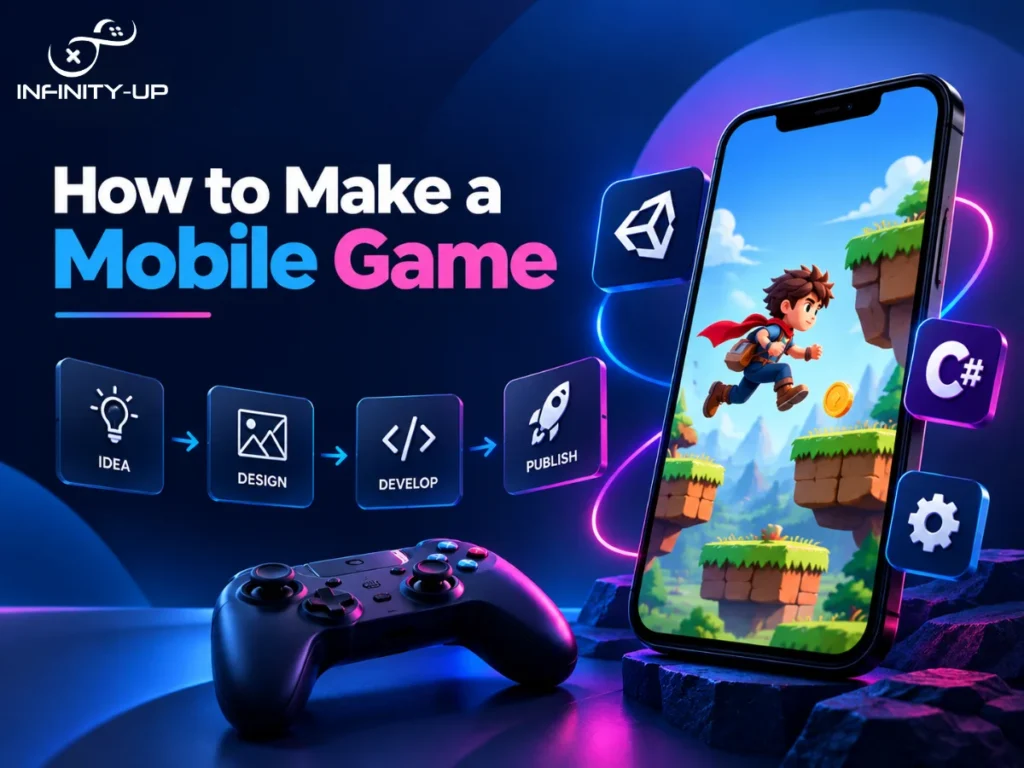
There are so many mobile games available out there, and it is easy now more than ever to make one even if you have never written a line of code in your life. From making the next blockbuster success to designing something that will keep you entertained, the process is a few basic steps away from you coming up with the right concept, deciding on your technology, setting realistic expectations and developing your app while keeping it in check. This guide walks through how to make a mobile game from scratch, what it costs, how long it takes and whether you should build it yourself or bring in help.
Step 1: Define Your Game Concept

Before you touch any software, figure out what your game actually is. What genre is it? Who’s your target audience? What’s the one thing a player does over and over that keeps them coming back? That last question matters more than people think. If you can’t answer it in a sentence, your idea probably needs more work before you start building.
Have a look at a couple of other games of similar genre already existing for your better understanding of the game concept.
Step 2: Choose the Right Game Engine

This is what many beginners struggle with, which is why here’s a quick summary. If you’re figuring out how to make a mobile game in Unity, you’re in good company. Unity is the most popular engine for mobile games because it’s free to start, has a massive library of tutorials and works well for both 2D and 3D projects. Unreal Engine is another solid option, especially if you’re after high-end graphics, but requires some time to master.
If coding isn’t your thing yet, you may choose no-code or low-code platforms as well, which come with some limitations on customization.
Engine | Good For | Coding Needed |
Unity | Most mobile games, 2D and 3D | Yes (C#) |
Unreal Engine | High-end graphics, bigger projects | Yes (C++) |
No-code tools | Simple prototypes, testing ideas | Little to none |
For most people just starting out, building how to make a mobile game with Unity is the safest bet. It’s beginner-friendly without boxing you in as your skills grow.
Step 3: Plan Your Team and Scope

Before you start development, decide who’s actually doing the work. You will either work alone, collaborate with a friend or even bring in some third-party expertise to create things you cannot create yourself. Be honest about your own skill gaps here, since trying to learn everything at once is one of the fastest ways to stall out.
This is also where you lock in your scope. Write down exactly what your first version needs to include and just as importantly, what it doesn’t. A short feature list keeps you focused and gives you something concrete to build toward instead of an idea that keeps growing.
Step 4: Design and Build Your Game
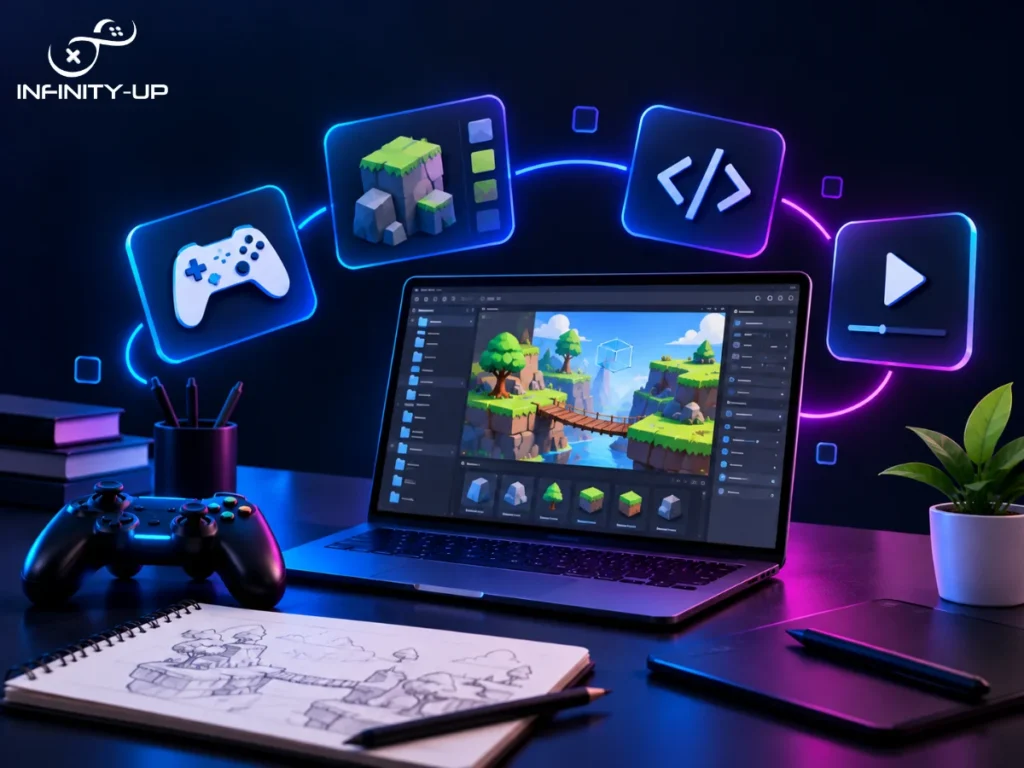
When you have understood your engine, your team and your scope of work, it’s time to start building. Start with your core mechanic, the one thing players will do again and again and get that feeling fun before you add anything else. Make some sketches of your levels, choose an art style which fits both your budget and your skills and create a first prototype of the game as soon as possible. You’ll learn more from playing a rough prototype than from planning on paper for weeks. This whole process, from a blank project file to a working prototype, is really what learning how to create a mobile game or how to build a mobile game comes down to in practice.
How to Make a 2D vs 3D Mobile Game
A lot of first-time developers assume 3D is automatically better, but that’s not really true. The right choice depends on your budget, timeline and how much complexity you’re ready to take on.
2D Mobile Game | 3D Mobile Game | |
Development Time | Faster | Longer |
Cost | Lower | Higher |
Learning Curve | Easier for beginners | Steeper |
Best For | First games, casual titles, puzzles | Visually ambitious or immersive games |
Testing | Simpler | More complex (camera, physics, lighting) |
If this is your first game, starting in 2D is usually the smarter call. You can always go bigger next time.
Step 5: Test, Polish and Publish
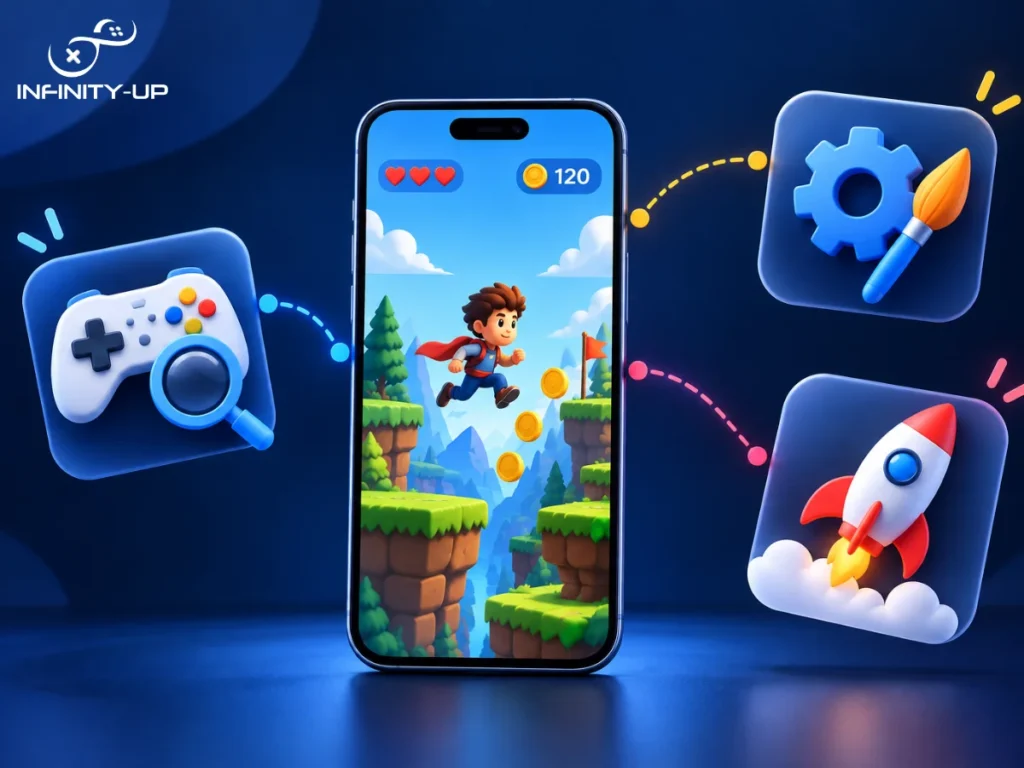
Before with any release, try it on the phone itself rather than the screen of your PC as the behavior of both will be different. Mobile screens are smaller, touch controls behave differently and things that looked fine in your editor can feel clunky in someone’s hand. Once everything is fixed, proceed to publishing.
Publishing a mobile game means setting up developer accounts with Google Play and the Apple App Store, preparing your store listing and making sure you meet each platform’s guidelines. This may take some time, but is required only once per platform.
You may like to read: How Are Video Games Developed?
How Hard Is It to Make a Mobile Game?
Honestly, starting is easier than most people expect, especially with tools like Unity and endless free tutorials online. Finishing is the hard part. Most abandoned projects don’t fail because the creator couldn’t code. They fail because the scope got too big, too fast. Keep your first game small, focused and realistic and you’ll actually get it across the finish line.
How Much Does It Cost and How Long Does It Take to Make a Mobile Game?
Now that you know what building a mobile game actually involves, the cost and timeline make a lot more sense.
How much does it cost to make a mobile game really depends on scope. A small game that only requires a 2D design can be developed with as little as $5,000 and as high as $50,000 by a couple of individuals. A highly polished game with the assistance of an entire development team may reach more than $100,000.
The timeline follows the same logic. How long does it take to make a mobile game for a solo developer working on something simple? A couple of weeks up to a couple of months is a reasonable amount of time to do that. If we consider something larger and developed by a whole team, it may take even a year. Starting smaller isn’t a compromise, it’s usually the smarter move for a first project.
Build It Yourself or Hire a Company?
If you’re comfortable learning as you go, building it yourself is completely doable, especially in case of a smaller project. But if you’re working toward something bigger or you just don’t have the time to learn everything from scratch, working with a mobile game development company can save you months of trial and error.
This is where you’d hire mobile game developers who already know how to develop a mobile game efficiently, avoid common mistakes and get you to launch faster with a more polished result. It’s worth weighing your timeline and goals honestly before deciding which route makes sense for you.
Final Thoughts
Making a mobile game isn’t about having everything figured out on day one. Start with a simple, focused idea, pick the right engine for your skill level and build something small enough to actually finish. This is mobile game development for beginners in a nutshell and whether you go the DIY route or bring in a team to help, the key is starting realistic and staying consistent.
Frequently Asked Questions
How do I make a game app without coding experience?
No-code and low-code tools let you build a basic game without writing code, though you’ll hit limits as your project grows. Most serious mobile games still rely on some coding, usually in Unity with C#.
Can I build a mobile game on a tight budget?
Yes. A simple 2D game with free tools and a small team can cost very little beyond your time. Keeping your scope small is the biggest factor in keeping costs down.
What's the easiest engine to start with?
Unity is generally considered the best game engine for mobile games if you’re just starting out, thanks to its huge community, free tutorials and support for both 2D and 3D projects.