



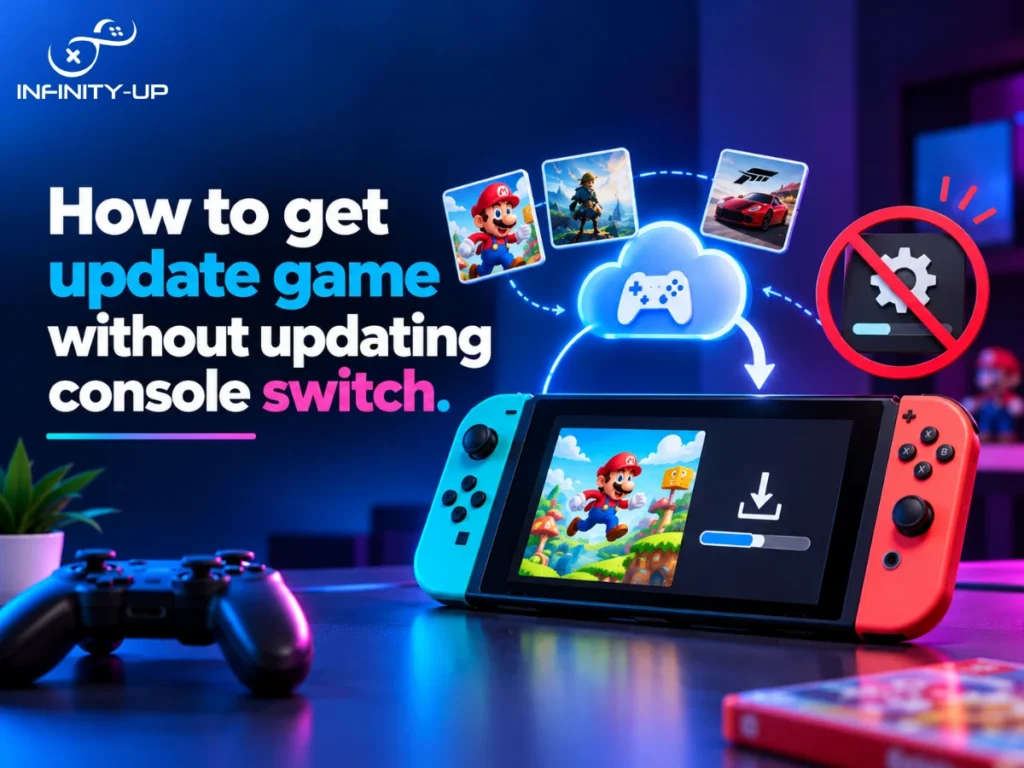
You just want to play your game. Then the Switch pops up a message saying you need an update first. If you’re wondering how to update a game without updating your console, you’re not alone. Plenty of players don’t want a bigger download, a slow connection or changes they didn’t ask for.
Here’s the honest answer: sometimes you can and sometimes you can’t. It depends on the game. Let’s walk through what works and what doesn’t.
Can You Update a Switch Game Without Updating the Console?
Often, yes. A game update and a system update are two separate things. A game update changes one game. A system update changes the Switch’s own software, which is also called firmware.
Many game updates install on their own, without a system update. But some newer games need a certain system version to run and then the Switch asks you to update the console first. In that case, there’s no safe way around it.
Why Does a Switch Game Ask for a System Update?
Games are built to work with the Switch’s system software. When a developer adds new features or fixes, the game may rely on tools that only exist in a newer system version. That’s a normal part of console game development: studios build and test each game against a specific system version, so the game can count on certain features being there. If your console is behind, the game can’t find what it needs, so the Switch asks you to update.
It may appear in one of two forms. A user may receive a message indicating that an update is required when trying to launch the game or the game will not open before the update is installed. The former method usually indicates the issue is because of the minimum system requirement of the game.
Method 1: Play the Game Without Updating It
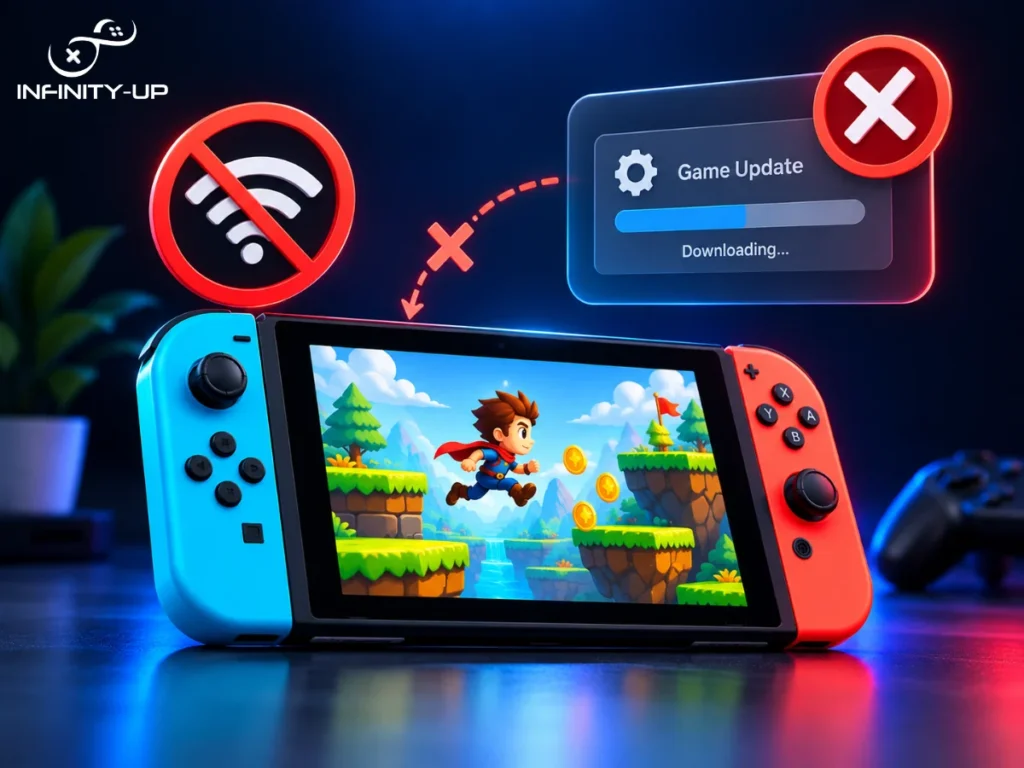
In the event the Nintendo Switch is connected to the internet and an update is available for the game, users can choose whether or not to do so. This will appear when starting the game.
This solution applies well to single player games. The problem is most multiplayer games are designed to be played using the latest update of the system software. Therefore, in many cases, an update will be mandatory.
Method 2: Update the Game Manually
If you want the update but don’t want to launch the game first, you can do it from the Home Menu.
- Highlight the game icon on the Home Menu without opening it.
- Press the + or – button on your controller.
- Select Software Update, then Via the Internet.
The Switch checks for a new version and downloads it. If the game needs a system update first, the console will tell you.
Method 3: Update a Game From Another Switch
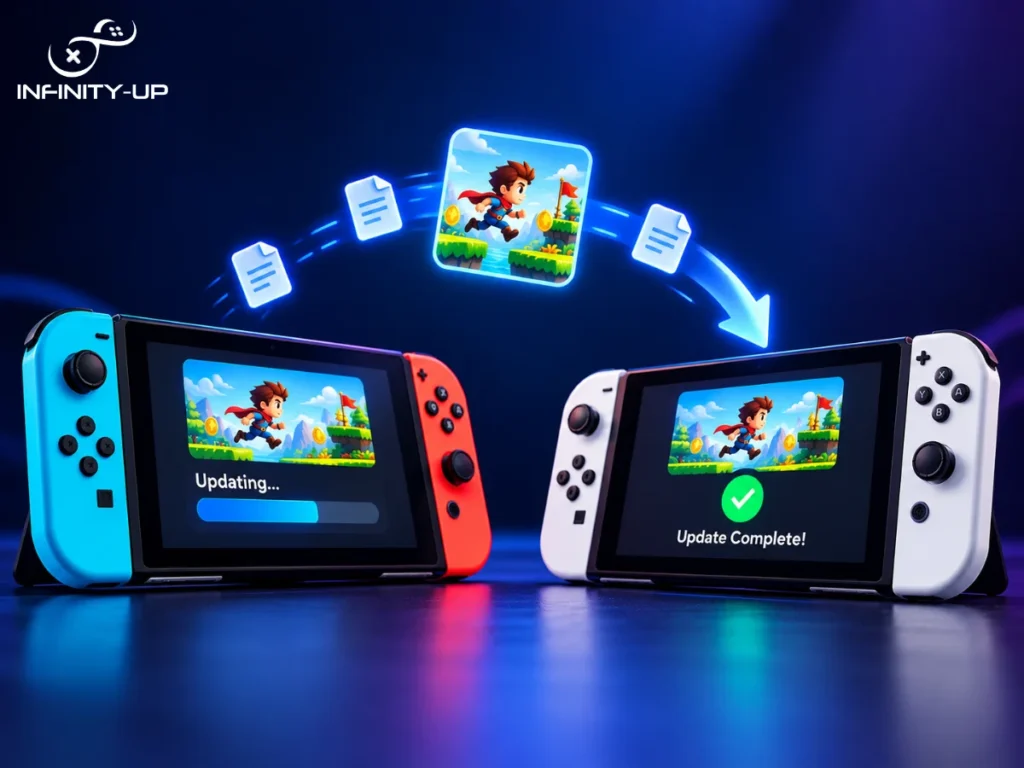
This is the one people don’t know about. Nintendo lets you match a game’s version with a friend’s Switch over local wireless. You don’t need an internet connection for it.
There’s one important catch. Nintendo says your console needs the latest system update before you use this feature. So it’s a way to update a game without Wi-Fi, but it isn’t a way to skip a system update.
Here’s how it works:
- On each console, highlight the same game icon on the Home Menu. Everyone has to pick the same game, or you won’t be able to join.
- Press + or -, then choose Software Update, then Match Version with Local Users, then Next.
- One person selects the Create Group. Everyone else selects the Join Group and picks that group.
- The person who created the group starts it. On the Switch, that’s Start Communication. On the Switch 2, it’s the Start Session.
Every console in the group then updates to the newest version any of you has. If you don’t see the Match Version option, your console probably needs a system update or the game icon is a leftover from GameShare and the game isn’t actually installed.
Can You Update a Switch Game Offline?
Yes, with the local method above. The game data is shared between consoles, so nobody needs Wi-Fi. Just remember that a system update always needs an internet connection. Local sharing only covers the game itself.
What Happens If You Don't Update Your Switch?
You can still play plenty of games, especially older ones you already have installed. But you’ll likely run into some limits over time.
- Newer games may refuse to launch.
- Some online features may stop working.
- You’ll miss bug fixes and small improvements.
Skipping updates isn’t harmful in a dramatic way. It just gets less convenient the longer you wait.
Quick Comparison of the Safe Methods
Method | Needs Internet | Needs Another Switch | Best For |
Skip the update and play | Only to see the prompt | No | Single-player games |
Manual update | Yes | No | Updating before you play |
Match version with local users | No | Yes | Updating without Wi-Fi |
Methods to Avoid
If you search forums, you’ll find tips about hacked consoles, DNS tricks and unofficial update files. Skip all of them. They can lead to errors or a ban from online services and they go against Nintendo’s terms. The official methods above are safer and they’re all you need.
Conclusion
You can often update a game without updating your Switch, but only when the game doesn’t demand a newer system version. When it does, updating the console is the only safe choice. Start with the simple options, use the local update if you’re offline, and steer clear of shortcuts that put your account at risk. And if you’re building a game of your own and want it to run smoothly on consoles like the Switch, you can talk to our game development team about your project.
Frequently Asked Questions
Will a system update delete my games or save data?
No. A normal system update keeps your installed games and saves. Backing up your save data is still smart before any big change, especially if your games support cloud saves through Nintendo Switch Online.
Can I go back to an older version of a game after updating it?
Nintendo doesn’t offer an official way to roll a game back to an earlier version. Once you install an update, that’s the version you’re on. If you’re unsure about a big update, that’s a good reason to check what’s changed before you download it.
Do I need the same game version to play locally with a friend?
Usually, yes. Local wireless play needs both consoles on matching versions, which is exactly why the Match Version with Local Users option exists. If your friend has a newer version, updating from their console is often the fastest fix.
Can a Switch 2 and a regular Switch update each other's games?
Yes, for compatible Switch games. The catch is that if a game has already been updated with Switch 2 features or content, you can only match versions with another Switch 2 console.